Ethernaut > Hello Ethernaut
Ethernaut > Hello Ethernaut
이번글에서는 Ethernaut의 ‘Hello Ethernaut’이란 문제를 풀어보겠습니다.
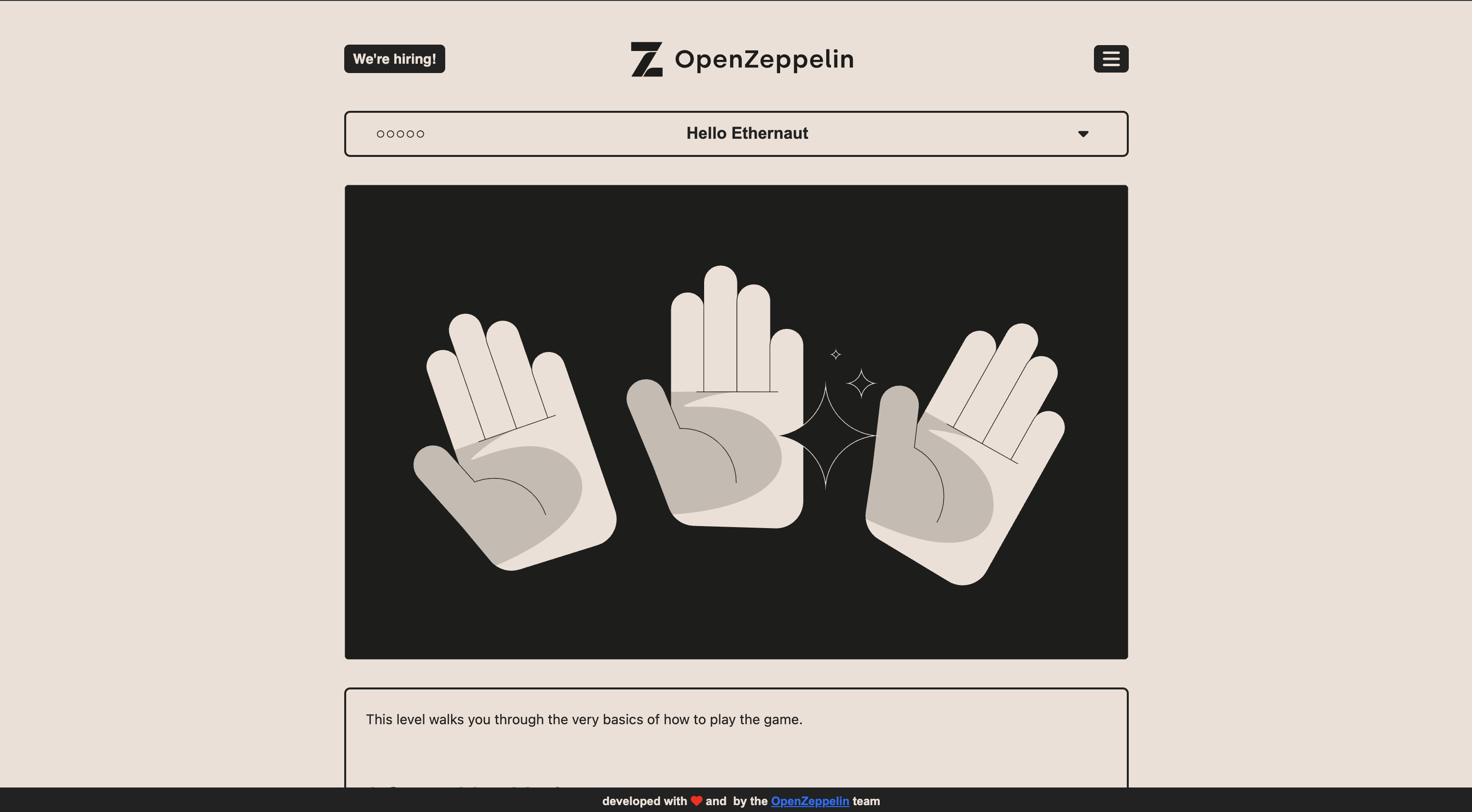
문제에 접속하면 위와 같은 형태로 반겨줍니다.
아래로 내려가보면 영어로 설명해주는데 요약해보면,
1
2
3
4
5
6
7
8
9
10
11
12
13
14
15
16
17
18
19
20
21
22
23
24
25
26
27
28
29
30
31
1.	MetaMask 설치 및 설정
- Chrome, Firefox, Brave, Opera 등 브라우저에 MetaMask 확장 프로그램 설치
- 지갑 생성 후 네트워크 목록에서 Sepolia 테스트넷 선택(또는 직접 추가)

2.	브라우저 개발자 콘솔 열기
- Developer Tools > Console 탭 열기
- 플레이어 주소 등 게임 메시지 확인 가능
- `player` 명령어로 주소 확인 가능

3.	콘솔 유틸리티 함수 활용
- `getBalance(player)`로 현재 이더 잔액 조회
- `help()`명령어로 사용 가능한 콘솔 함수 목록 확인

4.	Ethernaut 스마트컨트랙트와 상호작용
- `ethernaut` 객체로 게임의 주 스마트컨트랙트 접근
- `ethernaut.owner()` 등 ABI에 공개된 메서드 실행 가능

5.	테스트 이더 획득
- 테스트넷에서 사용할 이더는 faucet(무료 토큰 배포기)를 통해 받기
- 잔액 확보 후 게임 진행 가능

6.	레벨 인스턴스 생성
- 게임 페이지의 “Get New Instance” 버튼 클릭
- MetaMask에서 트랜잭션 승인 후 새로운 스마트컨트랙트 인스턴스 배포

7.	스마트컨트랙트 ABI 검사 및 조작
- 인스턴스 컨트랙트의 ABI를 통해 메서드 확인 및 호출 가능
- 예: `contract.info()`로 레벨 관련 정보 확인

8.	레벨 완성 후 제출
- 미션 완료 시 ‘Submit’ 버튼을 눌러 결과 전송
문제 풀이
전체적인 문제 풀이 코드는 아래와 같습니다.
abi.js
1
2
3
4
5
6
7
8
9
10
module.exports = [
    "function info() public view returns (string)",
    "function info1() public view returns (string)",
    "function info2(string memory) public view returns (string)",
    "function infoNum() public view returns (uint256)",
    "function info42() public view returns (string)",
    "function theMethodName() public view returns (string)",
    "function password() public view returns (string)",
    "function authenticate(string memory) public",
];
solve.js
1
2
3
4
5
6
7
8
9
10
11
12
13
14
15
16
17
18
19
20
21
22
23
24
25
26
27
28
29
30
31
32
require("dotenv").config();
const { ethers } = require("ethers");
const abi = require("./abi");

async function main() {
    const provider = new ethers.JsonRpcProvider(process.env.RPC_URL);
    const wallet = new ethers.Wallet(process.env.PRIVATE_KEY, provider);

    const instanceAddr = process.env.INSTANCE_ADDRESS;
    const contract = new ethers.Contract(instanceAddr, abi, wallet);

    console.log(await contract.info());
    console.log(await contract.info1());

    console.log(await contract.info2("hello"));

    const num = await contract.infoNum();
    console.log("infoNum:", num.toString());

    console.log(await contract.info42());
    console.log(await contract.theMethodName());

    const pwd = await contract.password();
    console.log("password:", pwd);

    const tx = await contract.authenticate(pwd);
    console.log("tx sent:", tx.hash);
    await tx.wait();
    console.log("authenticate done");
}

main().catch(console.error);
solve.js 코드를 실행시킨 후 제출하면 문제가 풀리게 됩니다.
This post is licensed under CC BY 4.0 by the author.